organization
The PARA Method in Practice: Four Buckets for Everything
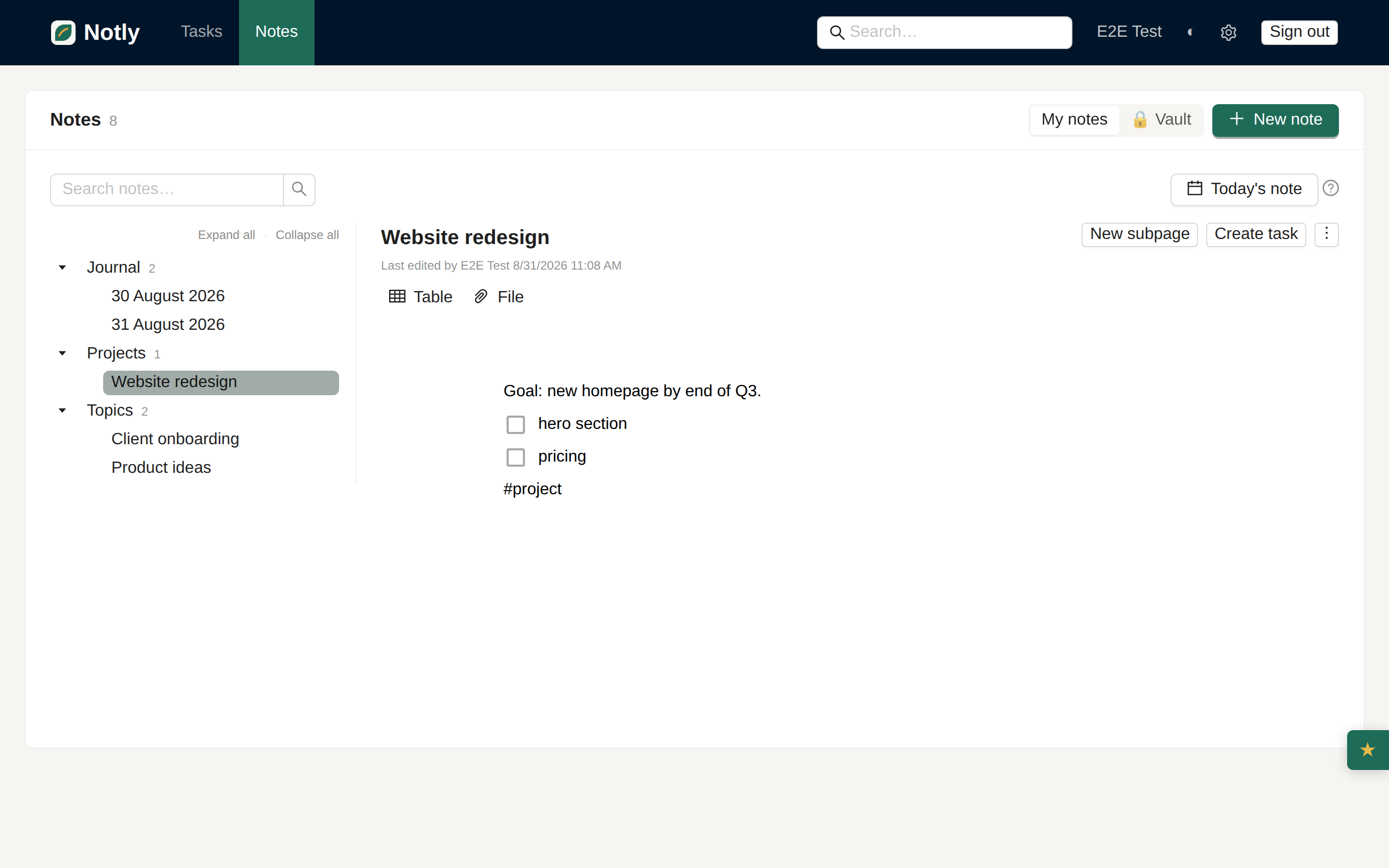
The gist: PARA sorts your notes and files by when you’ll use them, not what they’re about. Four buckets — Projects, Areas, Resources, Archive — replace the topic folders that keep multiplying and never tell you where anything goes. Here’s how to set it up in twenty minutes and connect it to tasks with deadlines.
You create a folder called “Marketing.” Within a month it holds the autumn campaign, conference notes, a website redesign idea, and an invoice from a designer. You add a subfolder, then another. A year later you have a tree where something is “somewhere under Marketing,” and finding it means guessing through five levels of nesting.
This isn’t laziness — topics make a poor sorting axis. A topic is static, but your relationship to a thing changes: today it’s an active project with a deadline, in three months it’s finished and you only touch it once a year for reference. A folder called “Marketing” can’t tell those apart.
In Building a Second Brain, Tiago Forte proposed sorting by actionability instead — by how close something is to your current work, not what it’s about. That produced the four buckets that give the method its name: Projects, Areas, Resources, Archive.
Projects — a concrete goal with a deadline and a defined end. “Move the site to new hosting by 30 September,” “Plan the family holiday in August.” There’s a clear done: the project either is finished or it isn’t.
Areas — a long-term responsibility with no end date. Health, finances, raising kids, managing a team. You never say “the Health area is done” — you maintain it at some standard indefinitely, rather than finishing and closing it.
Resources — topics and interests for the future that you’re not actively working on right now. Notes from a cooking book, a collection of articles on photography, ideas for future travel. No deadline, nothing you have to do — it’s a well you draw from when needed.
Archive — finished projects and inactive areas or resources. Things move here once they stop being relevant, but throwing them away would be a waste.
The most common confusion is exactly between Project and Area. Ask one question: does it have a deadline and a definition of “done”? If yes, it’s a project. If it runs on indefinitely and you just maintain it at some level, it’s an Area.
“Lose 5kg by summer” is a project — it has a goal and an end. “Health” itself is an Area — it never ends, you just tend to it continuously, and projects (like that weight-loss goal) grow out of it from time to time.
The whole method rests on one axis: whatever is closest to hand should be whatever is currently moving your work forward. Projects sit closest — you look at them daily or weekly because you’re actively working on them. Areas sit a bit further — you check them regularly, but not every day. Resources sit further still — you reach for them when you need them, not proactively. Archive sits furthest — out of sight, but not gone.
You’re sorting by how often you come back to something, not by how you’d describe it to a stranger.
Don’t pre-create empty subfolders for every topic you can imagine — that’s exactly the trap PARA escapes. Instead:
This is deliberately minimal. PARA isn’t about having everything sorted perfectly on day one — it’s about a system you can actually keep up with.
The weakest link in most organising systems isn’t setting it up — it’s the ongoing tidying. As soon as a project is finished, move it to Archive: don’t delete it, just get it out of view. It doubles as a reference for the next similar project.
Areas, by contrast, don’t get archived — they get periodically reassessed. Every so often (quarterly works well), check whether an Area still matches your life, or whether it’s quietly stopped mattering.
PARA answers WHERE something belongs, not WHAT to do about it tomorrow. That’s why it pairs so well with tasks: a project in PARA is the goal; the individual steps toward it are tasks with a deadline. “Move the site to new hosting” as a project contains tasks like “pick a host,” “back up the database,” “point the DNS” — each with its own deadline and status.
In Notly, notes and tasks live in one place, so a project note (context, decisions, links) and the tasks under it (concrete steps with deadlines) can sit side by side and reference each other, instead of one living in one app and the other somewhere else.
| Bucket | Definition | Example | How often to check |
|---|---|---|---|
| Projects | concrete goal, deadline, an end | site migration, August holiday | daily/weekly |
| Areas | ongoing responsibility, no end | health, finances, managing a team | regularly (weekly/monthly) |
| Resources | future-interest topics, no action now | book notes, travel ideas | as needed |
| Archive | finished/inactive | completed projects, old reference material | rarely, for reference |
PARA doesn’t sort by topic — it sorts by when you’ll use something: Projects stay closest at hand, Areas get maintained continuously, Resources wait to be drawn on, and Archive keeps finished things out of sight without losing them. Set up the four buckets right now, sort only what’s active, and let the rest of the structure grow out of real work. For how PARA fits into a broader note structure, see how to structure your notes.