notes
How to Structure Your Notes (Without Drowning in Them)
Most people slide into one of two extremes. Either they build an elaborate folder tree they abandon after a week because they can’t keep it up — or they dump everything onto one pile and can never find anything again. Good structure sits in between: enough order to search, enough slack to survive a bad day.
This isn’t a matter of taste. Steve Whittaker’s studies on “email overload” repeatedly show that time spent carefully filing into folders often doesn’t pay off — people who rely on search find things just as fast, or faster, than people who file. The lesson for notes is the same: don’t invest more in structure than search gives back.
The seven principles below come from methods that have earned their keep (PARA, Zettelkasten, daily notes) and from how attention and memory actually work.
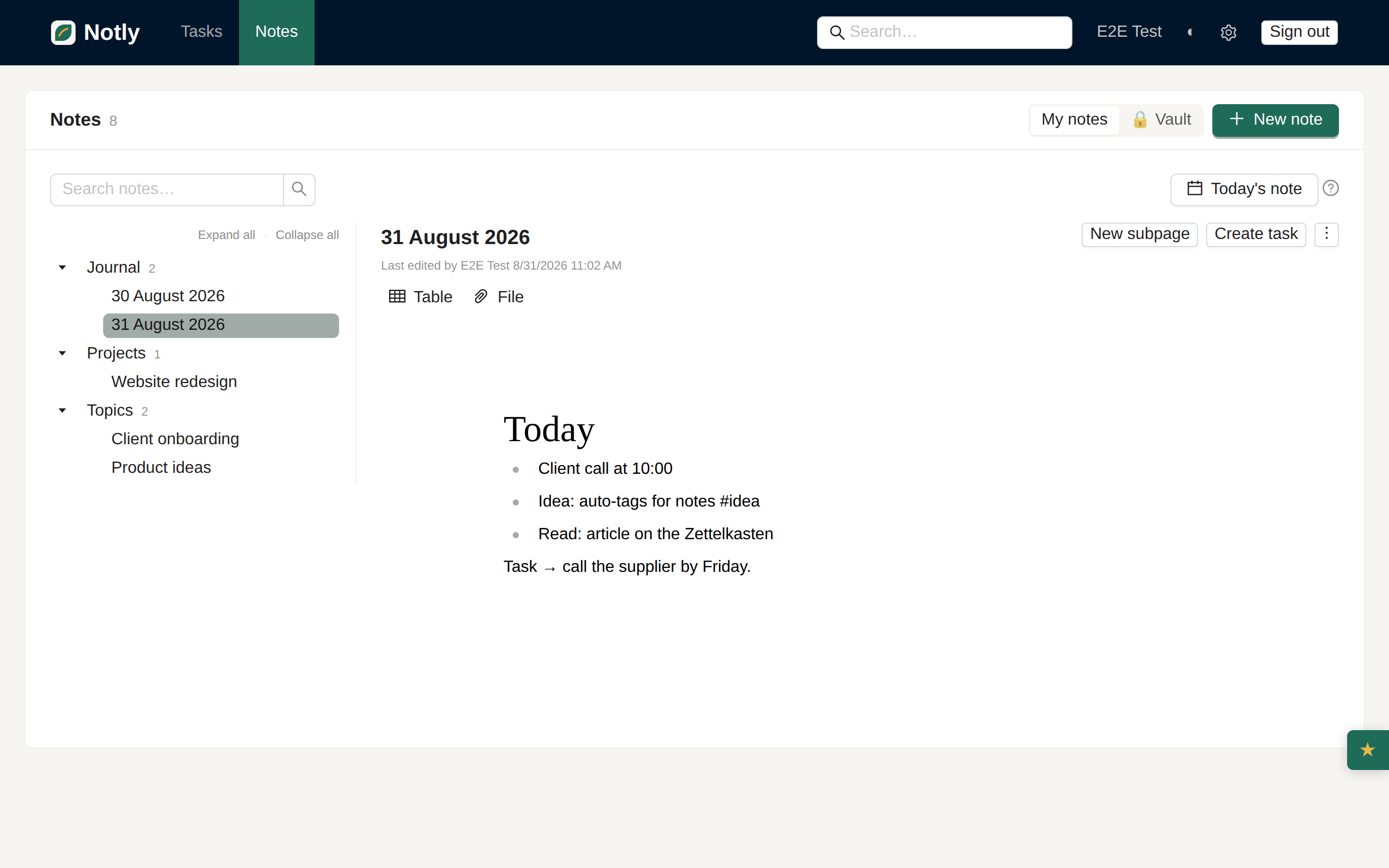
The biggest enemy of note-taking isn’t mess — it’s friction at the moment of writing. If capturing a thought is fiddly, you simply won’t do it. So start with one place you can throw anything into without thinking: a daily note.
One note per day, opened automatically, title = the date. Everything lands there during the day: meetings, ideas, fragments, links. Only in the evening, or once a week, do you pull out what has lasting value. This “capture first, organize later” habit powers Roam and Obsidian, and rests on the generation effect — the mere act of writing a thought in your own words makes you remember it better.
A structure that makes you decide WHERE something goes taxes every single capture. The daily note removes that tax.
Fragmentation is the second great drain. When ideas live in one app, tasks in another, and your journal in a third, your brain doesn’t remember what — it remembers where, and that’s extra work on every lookup. Keep notes, tasks, and journal in one place so links can form between them.
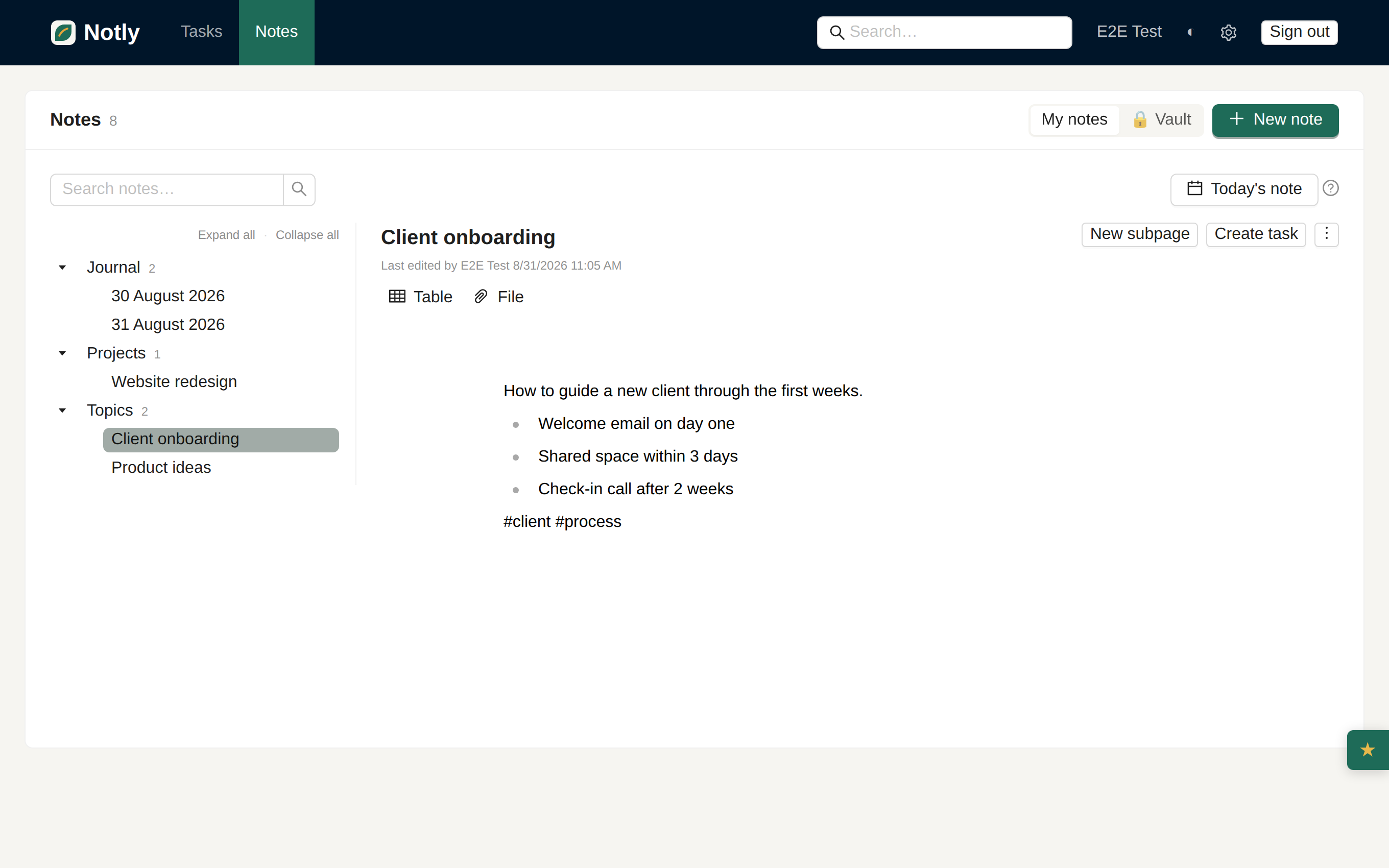
Niklas Luhmann’s Zettelkasten gives us a simple rule: one note = one idea. Short, self-contained, with its own title. Why it works:
A deep folder tree looks tidy right up until you have to guess which branch you filed something under. Search and tags scale; hierarchy doesn’t. Three approaches compared:
| Approach | Strong at | Weak at | When to reach for it |
|---|---|---|---|
| Folders | one clear “home” | a thing lives in only one; guessing the path | stable, exclusive categories (Projects) |
| Tags | one thing under many topics; flat | sprawl when inconsistent | cross-cutting themes (#invoice, #idea) |
| Search | zero upkeep; fastest | only as good as how consistently you write | the default way you return to anything |
The practical recommendation: a shallow structure (1–2 levels at most) + tags + reliable search. Not ten levels of nesting.
Not every note is meant to live forever. Distinguish:
The PARA method (Tiago Forte, Building a Second Brain) expands this into four buckets — Projects, Areas, Resources, Archive. To start, even the simplified version below is enough.
Search is only as good as how consistently you write. Two rules:
The final layer is linking. When a note mentions a task or another note, link to it. The Zettelkasten insight is that value lives not in folders but in the connections — structure then grows on its own out of what genuinely relates, rather than out of what you planned in advance “for tidiness”.
Don’t create empty folders up front. Start with the minimum and let it grow:
| Space | What goes here | How often |
|---|---|---|
| Journal | daily entries (date as title) | every day |
| Topics | permanent notes on a subject (1 topic = 1 note) | promoted from the journal |
| Projects | notes tied to a specific project with a goal | per project |
| Vault | sensitive notes (see below) | as needed |
Tags (#idea, #client, #to-read) run across everything and handle the cross-cutting themes that never fit into a single folder.
The most sensitive entries — a personal diary, passwords, thoughts that belong nowhere — go into an end-to-end encrypted vault. It’s encrypted in your browser with a key the server never sees; not even the provider can read the contents. The structure stays the same; that extra layer just protects what’s yours.
Don’t start with the app, start with the habit: capture now, organize later. One place, atomic notes, flat tags instead of deep folders, consistent names for search, and links. Let the structure grow out of what you actually write — not out of empty boxes planned in advance. Try it for a week. Not the app — the habit.