notes
How to Organize Your Notes (So You Can Actually Find Them Later)
Most note-taking systems fail for the same reason: they start with an app, not a habit. You install something new, spend an evening building a beautiful folder structure, and three weeks later you can’t remember whether that meeting summary lives in “Work,” “Projects,” or “Misc.” The tool didn’t fail you — the plan did.
A system that lasts has to survive on the days you don’t feel like organizing anything. That means fewer decisions, not more categories.
The single biggest productivity drain in note-taking isn’t a missing feature — it’s fragmentation. A grocery list in one app, meeting notes in another, a “great idea” texted to yourself at midnight. Every extra app is one more place you have to remember to check, and the ones you forget about are exactly where the important stuff ends up.
If you can’t remember where you put something, it doesn’t matter how well you organized it.
The fix isn’t a smarter folder tree. It’s consolidation:
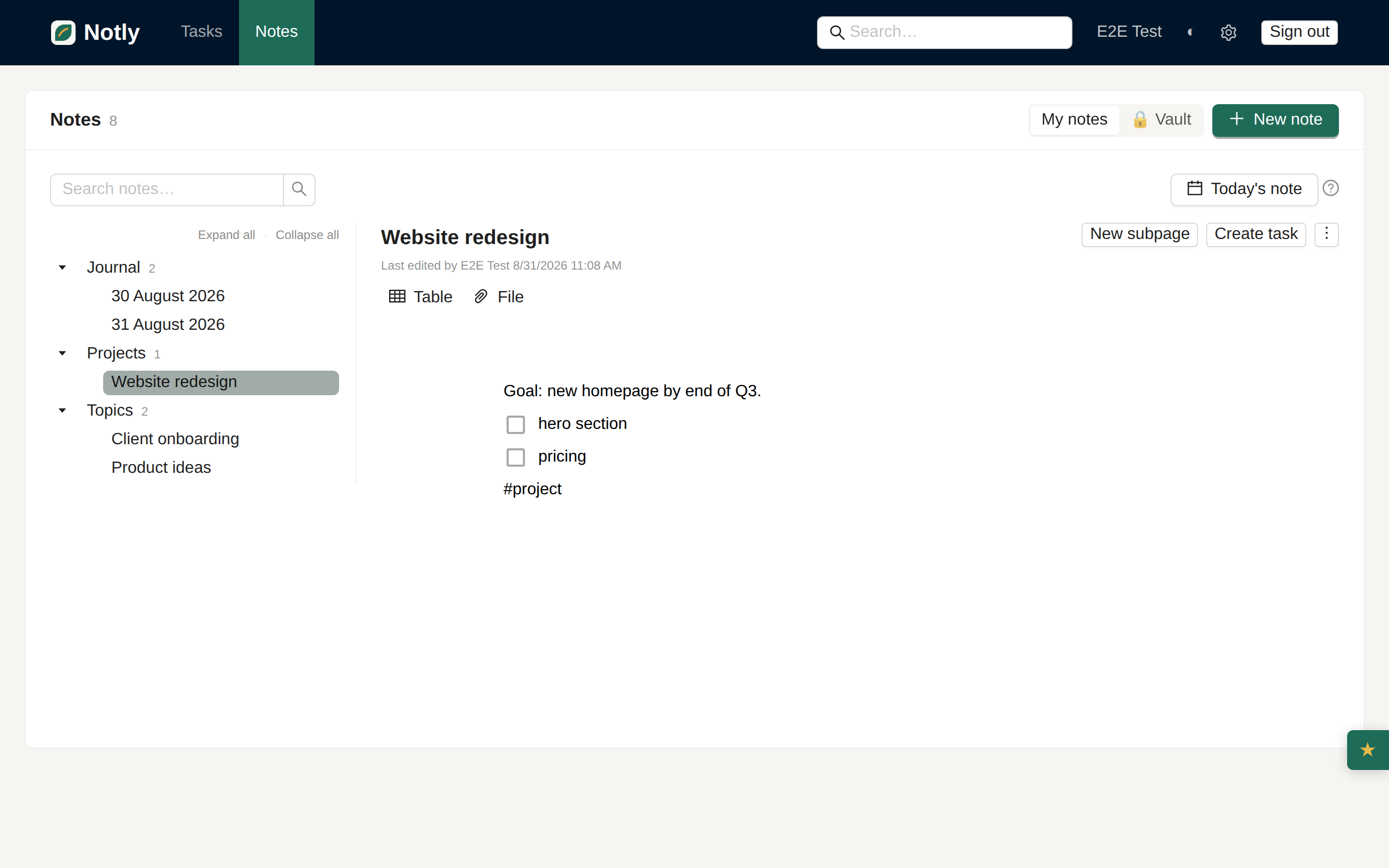
This is also why Notly treats notes and tasks as two views on the same data instead of two separate products — you shouldn’t have to decide, mid-thought, which app a piece of information belongs in.
The easiest habit to keep is the one with the least friction, and nothing has less friction than “today’s note already exists, just open it.” A running daily journal — one entry per day, opened automatically — gives every stray thought a home before you’ve had time to overthink where it should go.
Write meeting notes there. Paste a link you want to read later. Jot the one sentence that solves a bug. None of it needs a category yet. At the end of the week, the handful of entries that turned out to matter are easy to spot — and easy to promote into a proper note, or into a task with a due date.
Deep folder hierarchies feel organized right up until you have to remember which folder you used. Search beats browsing almost every time, but only if what you wrote is actually searchable.
A few habits pay off for months:
That’s really the whole system: one place, a daily journal you actually open, and titles written for your future search bar rather than your present-day sense of tidiness. Structure earns its place once you have enough real notes to see the shape of it — not before. And for anything you’d rather keep out of that searchable pool entirely, an end-to-end encrypted vault gives private notes a place of their own, invisible even to search.